Using packaged anthropic skills within Copilot Studio: New Experience
Copilot Studio now supports Skills as the core way to build agent behavior. With Skills, your agent can load rich logic on demand — only the Skill name and description are preloaded into the context window, while the full skill is fetched only when it runs.
Anthropic publishes the Skills collection at https://www.skills.sh. This post covers the skill-creatorskill to help create or modify skills. This Skill helps generate complete SKILL.md packages, including embedded scripts and supporting files.
Why Skills matter
- Skills can include markdown, scripts, references, and assets.
- The orchestrator uses LLM routing to invoke Skills dynamically.
- Only the Skill
nameanddescriptionare front loaded for routing and billing. - A Skill package may be a single
SKILL.mdor a zip bundle with extra files. - The entry filename must always be
SKILL.md.
Installing the Anthropic skill
I started by choosing the skill-creator Skill from the Skills collection.
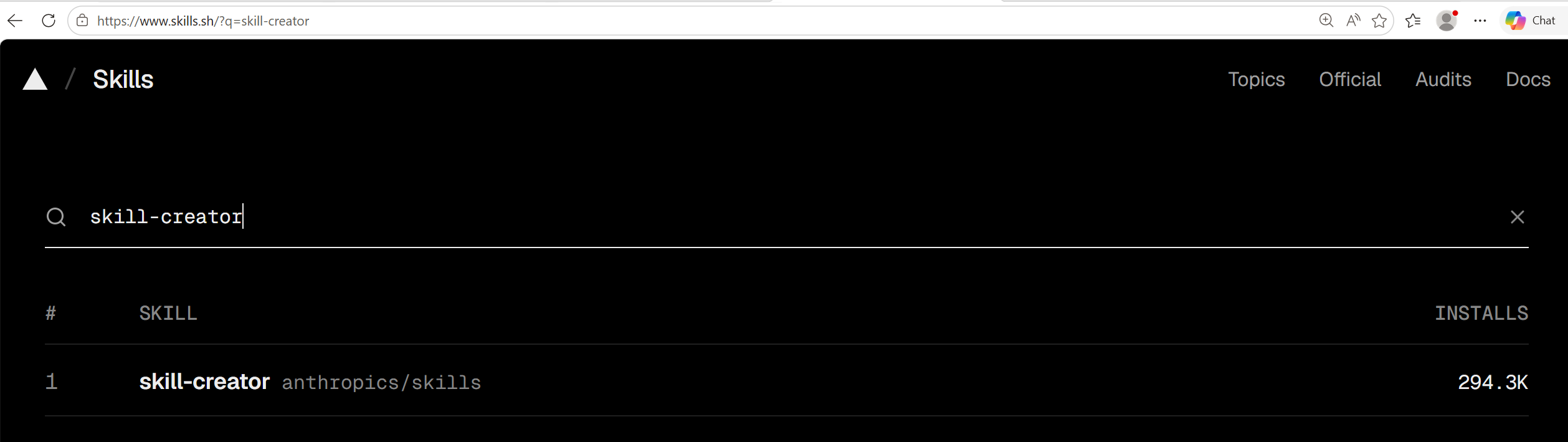
Then I installed it locally using npx using the global options
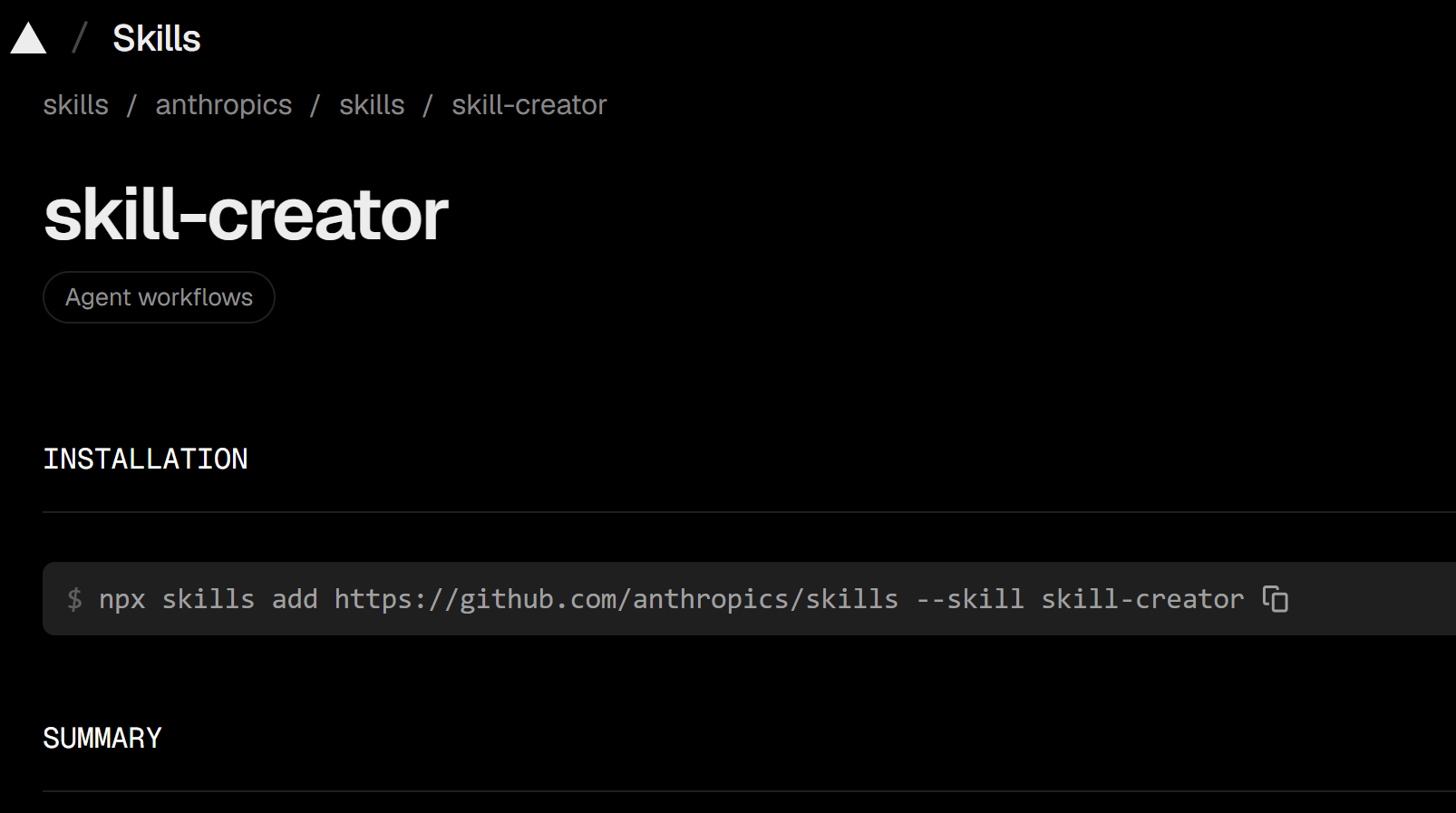
npx skills add https://github.com/anthropics/skills --skill skill-creator
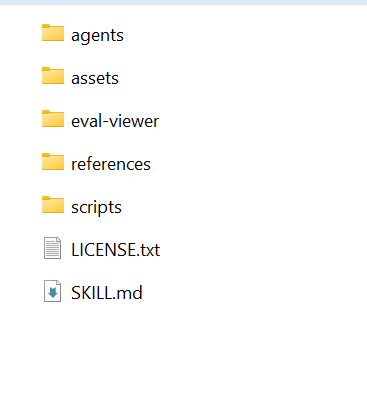
Once installed, open the Skill folder. In my case the path was:
c:\Users\reshm\.agents\skills\skill-creator\SKILL.md
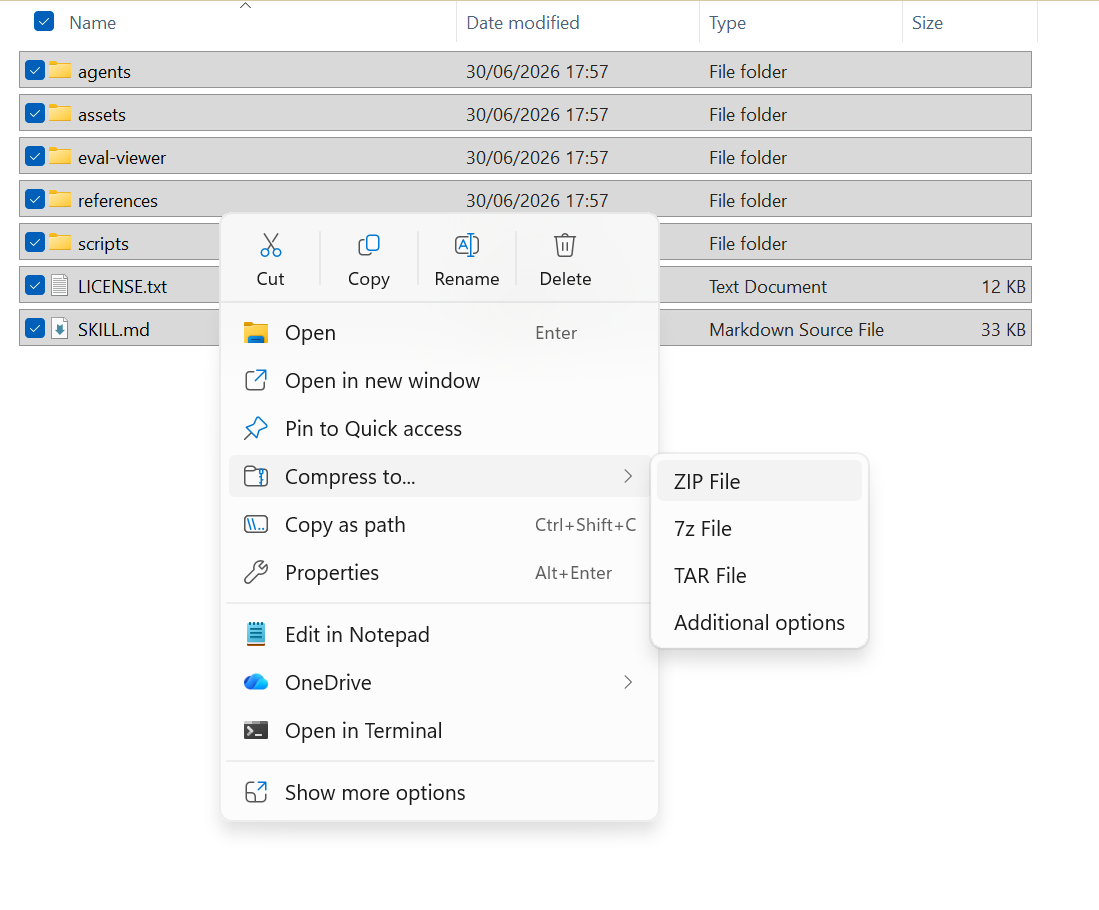
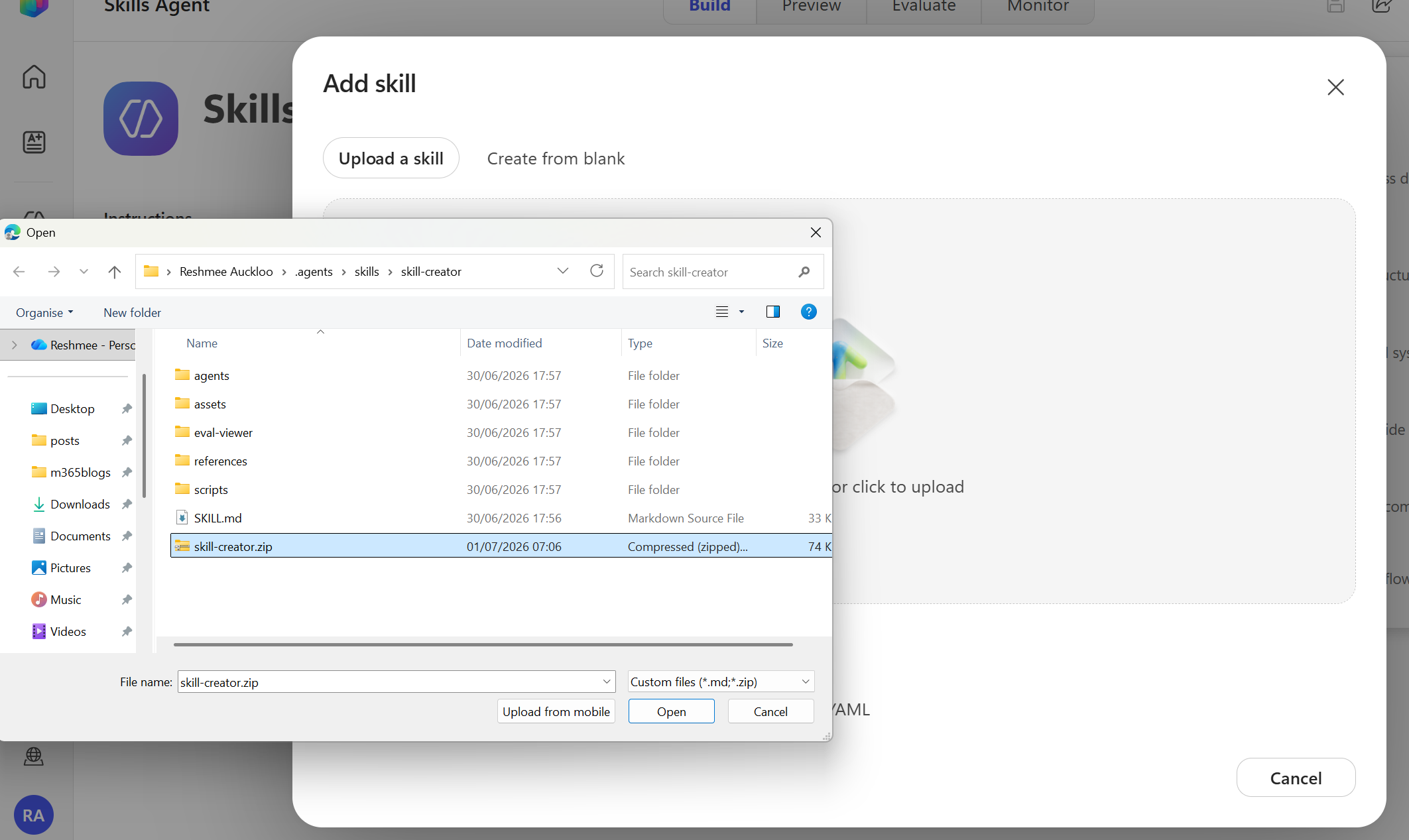
Zip the contents into the compressed folder.
Uploading into Copilot Studio
Next, upload the zipped Skill package into Copilot Studio and give it a clear name plus routing description. The description is the most important part of the Skill metadata because it tells Copilot when to use the Skill.
Testing in Preview
After upload, use Preview to validate the Skill and make sure the agent invokes it correctly.

I asked the Skill to generate a SKILL.md that includes an embedded Python script for travel insurance using the prompt:
Generate a SKILL.md file with all python scripts embedded in the md file to prompt users to enter information for travel insurance quote and a python script to calculate the quote based on input of the user.
Output
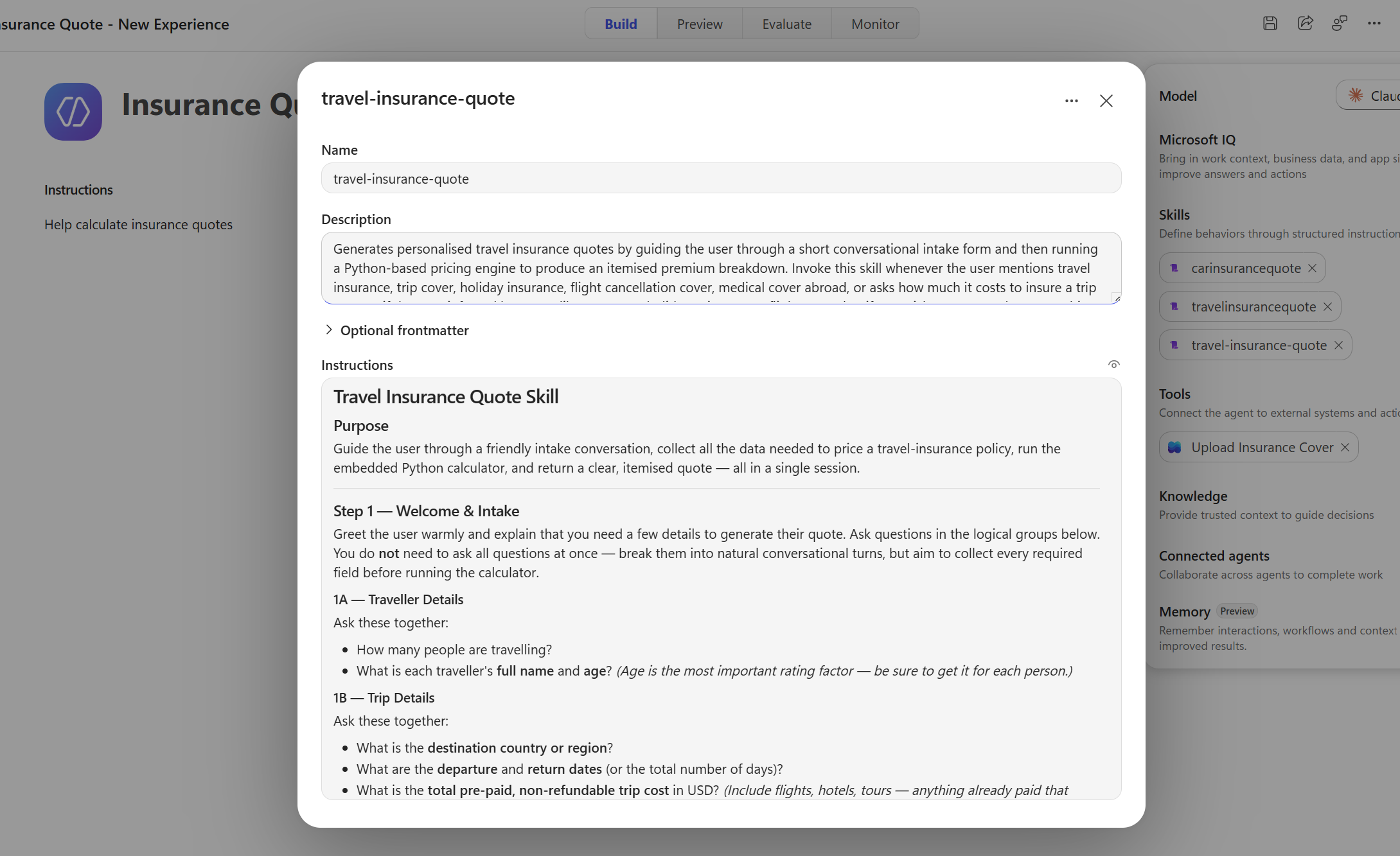
What the generated Skill contained
The generated Skill included:
- a routing-friendly
nameanddescription - a conversational intake flow
- embedded Python pricing logic
- formatted quote output
- follow-up guidance for changing coverage or trip details
The Skill began like this:
---
name: travel-insurance-quote
description: >
  Generates personalised travel insurance quotes by guiding the user through a
  short conversational intake form and then running a Python-based pricing
  engine to produce an itemised premium breakdown. Invoke this skill whenever
  the user mentions travel insurance, trip cover, holiday insurance, flight
  cancellation cover, medical cover abroad, or asks how much it costs to insure
  a trip — even if they use informal language like "cover my holiday", "insure
  my flight", or "what if I get sick overseas". Always use this skill at the
  first sign that the user wants any kind of travel-related insurance estimate.
---

# Travel Insurance Quote Skill

## Purpose

Guide the user through a friendly intake conversation, collect all the data
needed to price a travel-insurance policy, run the embedded Python calculator,
and return a clear, itemised quote — all in a single session.
This is a great example of how Skills can combine conversational prompts with executable logic.
The Skill-creator also performs testing of the skill creating.
What I learned
Using Skills in Copilot Studio means you can:
- separate routing metadata from implementation,
- keep large logic outside the core prompt,
- reuse the same Skill across different agents,
- update Skill content without changing the agent itself.
Next steps
- Explore more Skills on
https://www.skills.sh. - Use
skill-creatorto scaffold new Skill templates. - Upload the generated Skill bundle to Copilot Studio and test it in Preview.
Note: Check the skill whether there are any vulnerabilities or risks
Happy skilling!